Ensuring Consistent Excel Formulas

Ensuring Consistent Excel Formulas

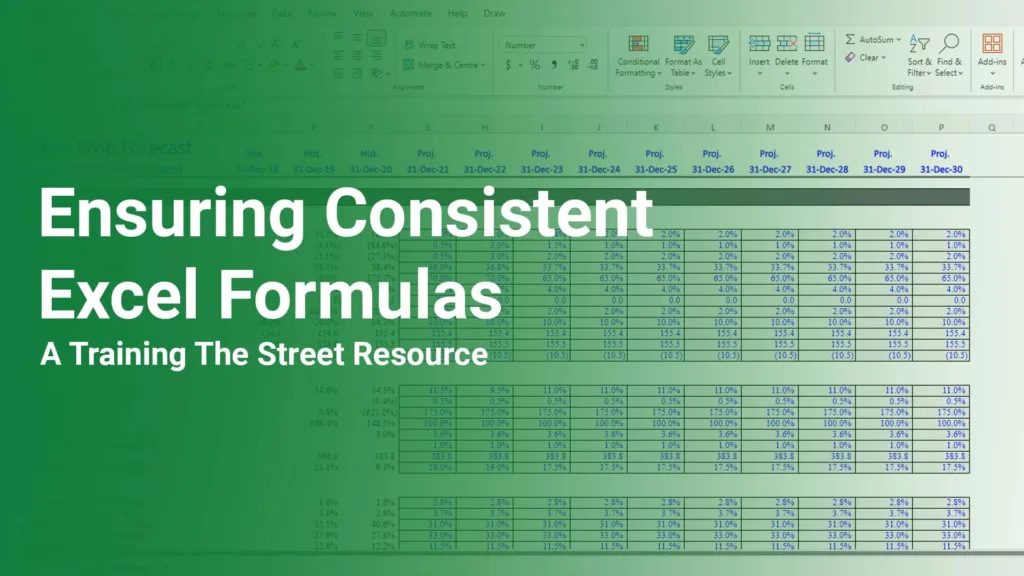
Ensuring Consistent Excel Formulas In a previous TTS Resource, we discussed how to evaluate a formula with “Edit” mode, as well as with the F9 key. But what if you have already reviewed your formula for correct syntax and want to ensure consistent Excel formulas for other cells? This is where CTRL +...

Continue reading

Custom Number Formatting in Excel

Custom Number Formatting in Excel

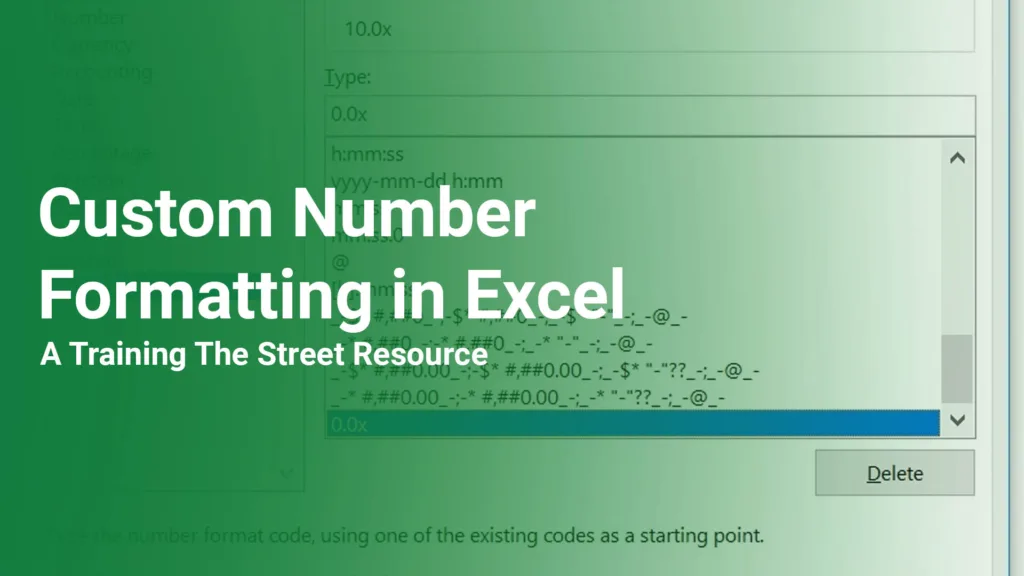
Custom Number Formatting in Excel Part 1 Almost every Excel user has faced the need to format data in their spreadsheets in some way, shape, or form. Not surprisingly, this task can often lead to multiple trips to the formatting ribbon. Wouldn’t it be nice to be able to format data in...

Continue reading

Using Find & Select for Objects in Excel

Using Find & Select for Objects in Excel

Using Find & Select for Objects in Excel When we build large models for our consulting clients, we will typically include a navigation dashboard to allow the user to easily jump to various parts of the model with just a mouse click. These dashboards are constructed via hyperlinked shapes or text...

Continue reading

Closing Workbooks in Excel with Alt + F4

Closing Workbooks in Excel with Alt + F4

Closing Workbooks in Excel with Alt + F4 At Training The Street, we are strong advocates of using the keyboard for all things Excel. This includes the creation of new workbooks right up to and including the closing of these workbooks – or even the closing of Excel itself. Most people know...

Continue reading

Organizing Workbook Tabs

Organizing Workbook Tabs in Excel

Organizing Workbook Tabs in Excel Everyone knows that well-formatted Excel models look professional and instill confidence in the user. This may seem intuitive for a large analysis like your budget model, but what about a quick and simple one-time analysis? You have been asked by your boss to prepare a quick “back-of-the-envelope”...

Continue reading

Removing Phantom Excel Links

Removing Phantom Excel Links

Removing Phantom Excel Links If you have ever opened an Excel file and been prompted to update links to another file, yet you are certain that there are no links to any other files, your file may contain phantom links. To remove Phantom Links from a workbook, first check to make sure...

Continue reading